One Good Submission Beats Five Corrections
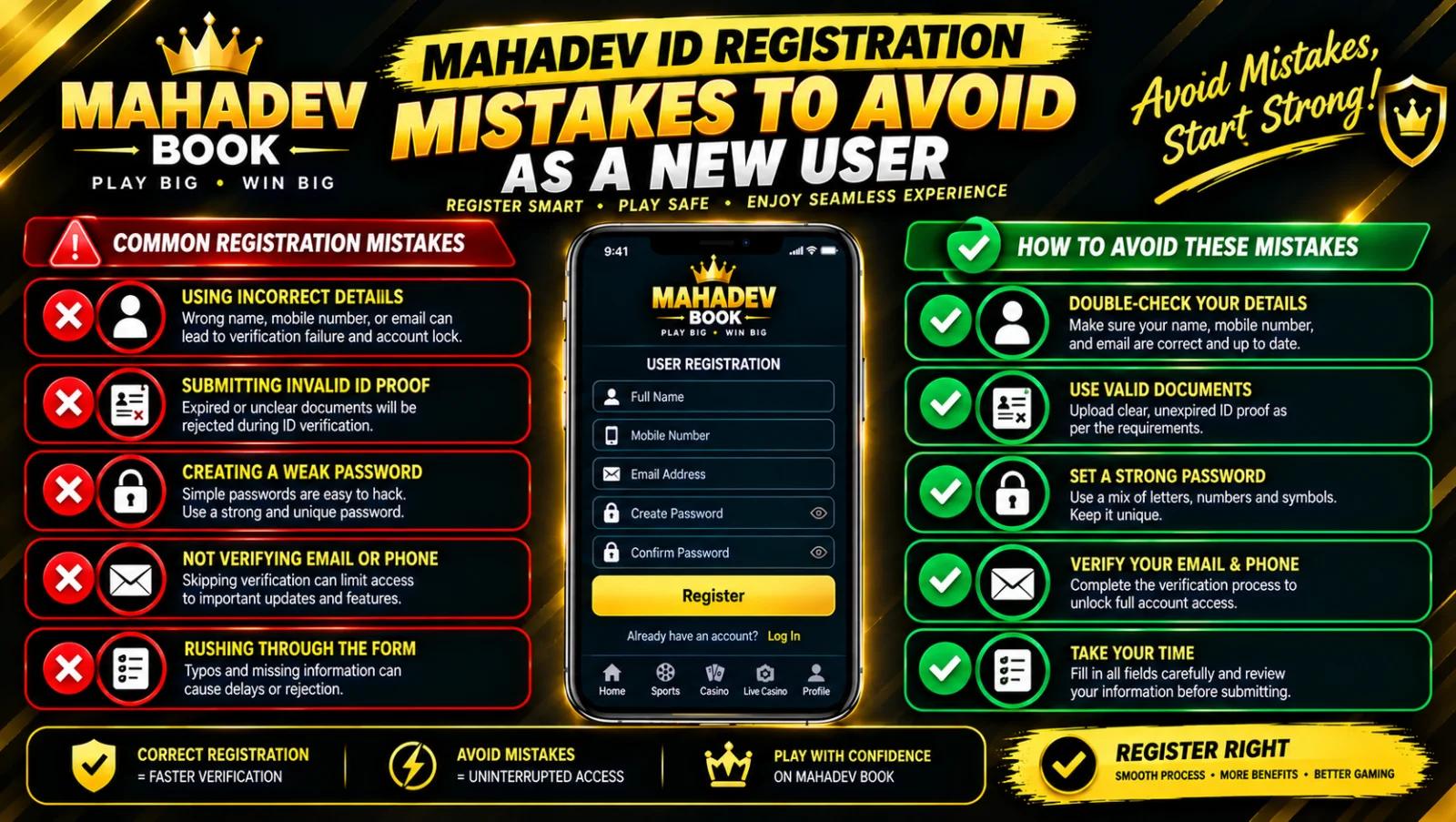
When you’re excited to start betting, it’s tempting to rush through the registration form, snap a quick photo of your ID, and hit submit. Every new user does it — and many pay the price with delayed approval, rejected applications, or even temporary account restrictions. The good news is: almost every registration problem is preventable. The errors that cause 90% of delays are simple, predictable, and fixable before you ever click "Submit." This guide walks you through the most common mistakes new users make, explains exactly why they cause trouble, and shows you how to submit an application that gets approved — on your very first attempt.
Mistake 1 — Blurry, Dark, or Cut-Off Document Photos
This is the single most common reason for delay or rejection. You see your ID clearly; the review team sees a fuzzy, shadowed, or partially cropped image — and they cannot approve what they cannot verify.
What goes wrong:
- Flash creates glare over important text
- Lighting is dim and details are unreadable
- Edges of the card are cut off
- The photo is taken at an angle and appears distorted
- Reflection from a phone case or plastic cover obscures details
How to do it right:
- Lay your ID flat on a plain, dark, non-reflective surface
- Take the photo in bright natural daylight — near a window works best
- Hold your phone directly above, not at an angle
- Ensure all four corners and every word are visible
- Remove protective plastic sleeves before shooting
- Check the image on your screen before uploading — if you can’t read it easily, neither can they
Reference: Review the full document guidelines at How to Get ID — the page shows exactly what acceptable and unacceptable photos look like side-by-side.
Mistake 2 — Name Mismatch Between ID and Application
Your ID says one name; your application says another. Even if it’s just a missing middle initial or a shortened version, the system flags it as a potential discrepancy.
What goes wrong:
- Using "Raj" instead of "Rajendra"
- Omitting a family name that appears prominently on the ID
- Married name on account, maiden name on ID (or vice versa)
- Payment method in one name, application in another
How to do it right:
- Type your name exactly as it appears on your ID — word for word, space for space
- If you use a different name socially, include it in the "Also Known As" field if available
- If names genuinely differ, submit a signed note explaining the difference alongside your ID
- Ensure every payment method you link matches your verified name — this prevents withdrawal holds later
Mistake 3 — Phone Number Doesn’t Match Verified Records
Your registered number is your primary recovery channel and security alert system — when it doesn’t align with your ID or ownership proof, verification stalls.
What goes wrong:
- Entering an old number you no longer use
- Typing one digit incorrectly
- Using a family member’s number as your own
- Number on your ID document differs from your registered number
How to do it right:
- Double-check every digit before submitting
- Use a number that stays with you — not one tied to a temporary job or location
- If your ID shows an old number, submit a separate document proving ownership of your current one
- Confirm you can receive OTPs at that number before finalising your application
Mistake 4 — Creating Duplicate Accounts
This is the most serious error on this list — and the one that causes the most confusion. You might think: "I’ll just make a new one since the first is taking time." What actually happens: both accounts are flagged, approval is paused, and you must prove ownership and consolidate.
What goes wrong:
- Rushing to bet → creating a second account while waiting for the first
- Forgetting you registered months ago → applying again
- Sharing a device with family → separate accounts created from same IP/phone
How to do it right:
- Check status of your first application via Mahadev Book ID before creating anything new
- Use the recovery links at Recover MahadevBook ID if you lost access
- If you genuinely need a fresh start, contact Customer Support — they can archive the old one properly
- Never create multiple accounts to claim bonuses repeatedly — this triggers permanent restrictions
Mistake 5 — Incomplete or Expired Documents
Submitting an ID that is about to expire — or uploading only one side of a two-sided card — creates an immediate hold.
What goes wrong:
- ID expires within 30 days of submission
- Only front side uploaded; back side with permanent address missing
- Document is a screenshot rather than a direct photo
- PDF downloaded from a message is blurry or compressed
How to do it right:
- Check the expiry date — if less than 3 months remain, submit a different document or renew first
- Upload both sides of every two-sided ID
- Take fresh photos directly — do not forward or save images through messaging apps
- Review your uploaded files on the preview screen before clicking Submit
Mistake 6 — Skipping Optional Fields That Matter
"Optional" does not always mean "unimportant." Some fields are marked optional but help verify your profile faster.
What goes wrong:
- Leaving date of birth blank or entering it incorrectly
- Omitting your permanent address — even if you live elsewhere now
- Not listing preferred sports — helps distinguish real users from bots
- Failing to link a primary payment method during signup
How to do it right:
- Fill every field that applies to you
- Enter your address exactly as it appears on your ID or utility bill
- Link your primary UPI or bank account during registration — this speeds up first payout
- Accuracy beats speed — take 2 extra minutes to get it right
Mistake 7 — Rushing During Peak Hours
This is less obvious but very real. Submitting your application during the minutes immediately after a big match is announced — or when a tournament starts — means your application joins the largest queue of the day.
What goes wrong:
- System congestion slows uploads
- Review team is processing hundreds simultaneously
- Follow-up messages take longer to reach you
How to do it right:
- Apply during quieter periods: mid-morning, late night, or between major fixtures
- Your application receives the same priority regardless of when it arrives — but the queue is shorter
- If you see a surge notification, wait 2 hours — it’s worth it
Mistake 8 — Using Someone Else’s Details
Borrowing a family member’s ID or phone number seems like a shortcut — it creates a dead end:
- Withdrawals will fail — names must match
- Account recovery becomes impossible — you can’t access their number when you need it
- Both accounts risk restriction — system flags linked profiles
How to do it right:
- Only register in your own legal name
- Use your own active phone number
- Link only payment methods in your name
- If you are under 18, wait — the platform requires adulthood by policy
Mistake 9 — Ignoring Follow-Up Messages
Your application is sitting in review; the team sends a simple request: "Please resend clearer photo." You don’t see it, don’t understand it, or delay replying — and your application goes idle.
How to do it right:
- Keep your registered phone accessible after applying
- Check WhatsApp and SMS — this is where updates arrive
- Reply within 24 hours — applications pending longer are rescheduled to the back of the queue
- If you miss the message, check status at How to Get ID — it shows exactly what is needed
Mistake 10 — Not Logging In After Approval
Approved accounts that remain inactive for 30+ days are periodically archived to clear space. You went through the process but never returned — and now you have to start over.
How to do it right:
- Log in via Mahadev Book Login within 7 days of approval
- Make your first small deposit — this confirms your account is active and ready
- Bookmark the login page so you can return easily
The Perfect Submission Checklist — Print or Save This
Before you click Submit, confirm every item:
✅ Name matches your ID exactly — no shortcuts ✅ Both sides of ID uploaded, clear, no glare, no cut-off edges ✅ Expiry date valid — more than 3 months remaining ✅ Phone number entered correctly and accessible ✅ No second account exists — status checked via recovery page ✅ Own payment method linked — in your full name ✅ Photo taken in daylight, flat surface, directly above ✅ All fields completed — nothing left blank ✅ Registered number active — OTP received and confirmed ✅ Ready to reply within 24 hours if requested
If You Already Made a Mistake — It’s Fixable
Don’t panic. Most errors are correctable:
- Blurry photo? Reshoot and resend — same portal
- Name mismatch? Submit explanation note alongside ID
- Wrong number? Update in profile and verify via OTP
- Duplicate account? Message support — they consolidate, not ban
- Rejected? Read the specific reason, fix exactly that, resubmit — priority review
The review team wants you approved. They don’t look for reasons to say no — they look for confirmation that you are who you say you are. Give them clear, complete, matching information — and you will be approved. Start your error-free application now at How to Get ID.