One Account, Everywhere You Go
You bet from your phone while travelling. You review markets on your laptop at home. You check live scores on a tablet while watching with friends. The question is natural: do I need a separate Mahadev Book ID for every device? The answer is clear: No — and you should never create one. Your single verified Mahadev Book ID is designed to travel with you across every screen you use. This guide explains exactly how multi-device access works, how many devices you can link simultaneously, what happens when you’re logged in from two places at once, the security safeguards built in, and the critical rules that keep your account safe and compliant.
The Short Answer Up Front
Yes — one Mahadev Book ID works across all your devices. You do not need separate accounts for your phone, laptop, and tablet. In fact, creating multiple accounts is prohibited under platform terms and can lead to restrictions. Your single verified ID is intended to be your universal key — accessible from anywhere you choose to bet.
How Many Devices Can You Use Simultaneously?
The platform allows up to 5 active, simultaneous sessions linked to one verified ID. This is what that means in practice:
Table
| Device Combination | Allowed? | Notes |
|---|---|---|
| Phone + Laptop + Tablet | ✅ Yes — 3 devices well within limit | All fully synced |
| Personal phone + work phone + home laptop + desktop + tablet | ✅ Yes — exactly 5 active sessions | Maximum verified allowance |
| 6+ devices logged in at once | ⚠️ Warning — oldest session may be logged out | Reduce to 5 or fewer |
| Shared family device (one account) | ✅ Yes — but see important security note below | Only if you control access |
| Separate accounts for same person on different devices | ❌ Prohibited — duplicate accounts | Risk of permanent restriction |
Unverified accounts face stricter limits — typically only 1 active device at a time — and may be logged out automatically when switching networks or locations. Full multi-device freedom is another benefit of verification — confirm your status at How to Get ID.
What Syncs Across Devices — and What Doesn’t
When you log in from multiple devices, your account maintains consistency through real-time syncing:
✅ Always Synced — identical everywhere:
- Account balance and transaction history
- Active bets and settled results
- Favourite teams, leagues, and markets
- Saved payment methods (view only on additional devices)
- Notification preferences
- Club tier and loyalty points progress at Mahadev Book Club
⚠️ Device-Specific — stays local to that screen:
- App cache and downloaded images
- Biometric login setup (must be enabled per device)
- Notification quiet hours (adjust per device)
- Session expiry timing (based on activity on that specific device)
This means you can start placing a bet on your phone, pause, continue on your laptop, and everything appears exactly where you left it — no retyping, no searching.
How to Add a New Device — Step by Step
Linking a second or third device is straightforward and does not affect your existing sessions:
- On the new device, go to Mahadev Book Login
- Enter your existing Mahadev Book ID and password
- Complete any 2FA or OTP verification — this confirms you are adding the device
- Optionally enable "Remember This Device" — reduces future prompts
- Done — both devices are active simultaneously
- For the app: download from Mahadev Betting App and log in normally
The platform recognises the new device, flags it as linked to your ID, and sends a confirmation alert to your registered number — so you always know when access is added.
Security — What Happens When a New Device Connects
Every time a previously unseen device logs in, the system takes three protective steps automatically:
- Alert sent — WhatsApp/SMS notification: "New login detected from [Device/Approximate Location]"
- Temporary limits — large withdrawals may require extra confirmation until the device is established
- Session visibility — all active devices appear in your dashboard at Account → Active Sessions
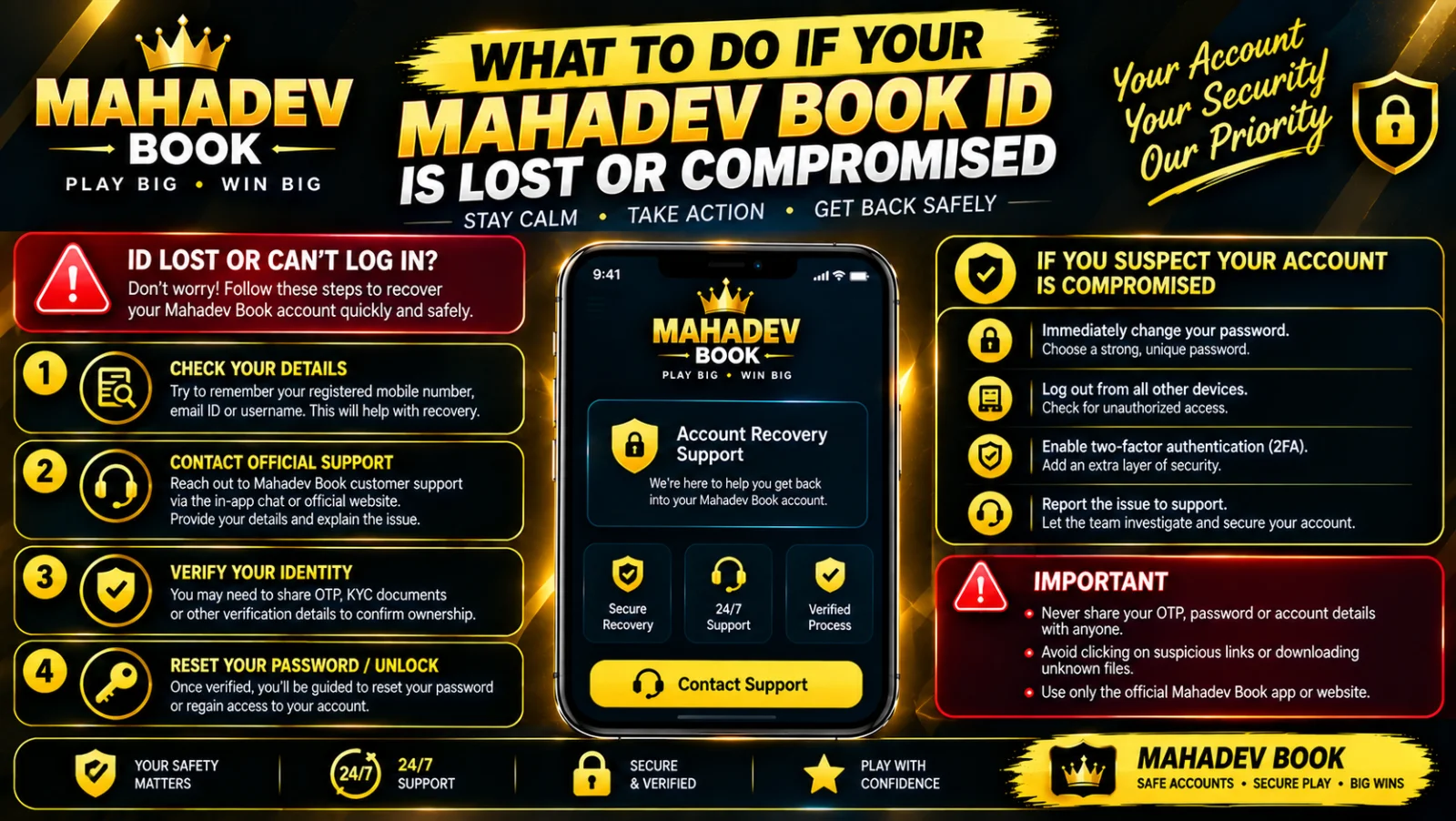
You can see exactly which devices are connected, when they were last active, and their approximate location. If you recognise it — no action needed. If you don’t — tap "Log Out All Other Devices" instantly, change your password, and contact Customer Support. This is your remote control — use it regularly.
Best Practices for Shared and Family Devices
If you share a phone or computer with others — common in many households — follow these rules to keep your account secure:
✅ Always log out when finished — one click at Mahadev Book Login
✅ Never save your password on a shared device — type it each time
✅ Disable biometrics on devices others use
✅ Check "Remember Me" is unchecked before signing in
✅ Keep your ID private — don’t leave it displayed on screen
❌ Never share your account with family members so they can bet — they need their own verified accounts
❌ Never create a second account for yourself on a different device — this is flagged as duplicate
❌ Never leave the app running when you step away — lock your phone too
Common Multi-Device Issues — And Fixes
Table
| Problem | Likely Cause | Solution |
|---|---|---|
| Logged out on old device after adding new | Unverified account — single-device limit applies | Complete verification at How to Get ID |
| "Too many active sessions" message | 5+ devices connected | Log out unused ones via Account → Active Sessions |
| Balance looks different on two screens | Temporary sync delay | Refresh both screens — updates within seconds |
| Notifications arriving twice | Enabled on both devices | Disable on one via Settings → Notifications |
| Payment method missing on new device | Security design — payment details are view-restricted | This is intentional protection; proceed with transaction normally |
| New device not recognised | Cache conflict or old bookmark | Clear browser cache or re-download app from Download Latest Mahadev Book APK |
Why Separate Accounts Are Never the Answer
When people want to bet from multiple places or share with family, they often create second accounts. This causes far more problems than it solves:
- Duplicate detection — system links accounts by phone, payment, device, or behaviour → both flagged
- Withdrawal blocks — funds frozen until consolidation → delays of days or weeks
- Bonus disqualification — any offers claimed by the second account are reversed
- No benefit — you don’t get extra limits, faster payouts, or better access
- Permanent risk — repeated violations can lead to full account closure
The platform does not prohibit multi-device access — it is designed for it. It prohibits multiple accounts per person — that is a critical distinction. If you need separate accounts for family members, they must apply individually with their own details at How to Get ID — this is the correct, compliant, and secure approach.
Remote Management — Control Your Account From Anywhere
Your dashboard gives you full control over every connected device:
- View all active sessions: Account → Active Sessions
- Log out one specific device: tap "End Session"
- Log out everything except current device: "Log Out All Others"
- Remove a trusted device permanently: tap "Remove Trust"
- Review login history: dates, times, device types, approximate locations
Check this list once a month — it takes 30 seconds and catches anything unusual early.
Final Summary — One ID, Everywhere
Your Mahadev Book ID is built to travel. One account works across your phone, laptop, tablet, and desktop — up to 5 devices simultaneously when fully verified. Everything syncs in real-time, security alerts protect every login, and you can remotely manage or disconnect devices from anywhere. The rule is simple: one person, one verified ID, all your devices. Create separate accounts for separate people — never separate accounts for you on separate devices. Access your account securely anytime at Mahadev Book Login — it follows you wherever you go.