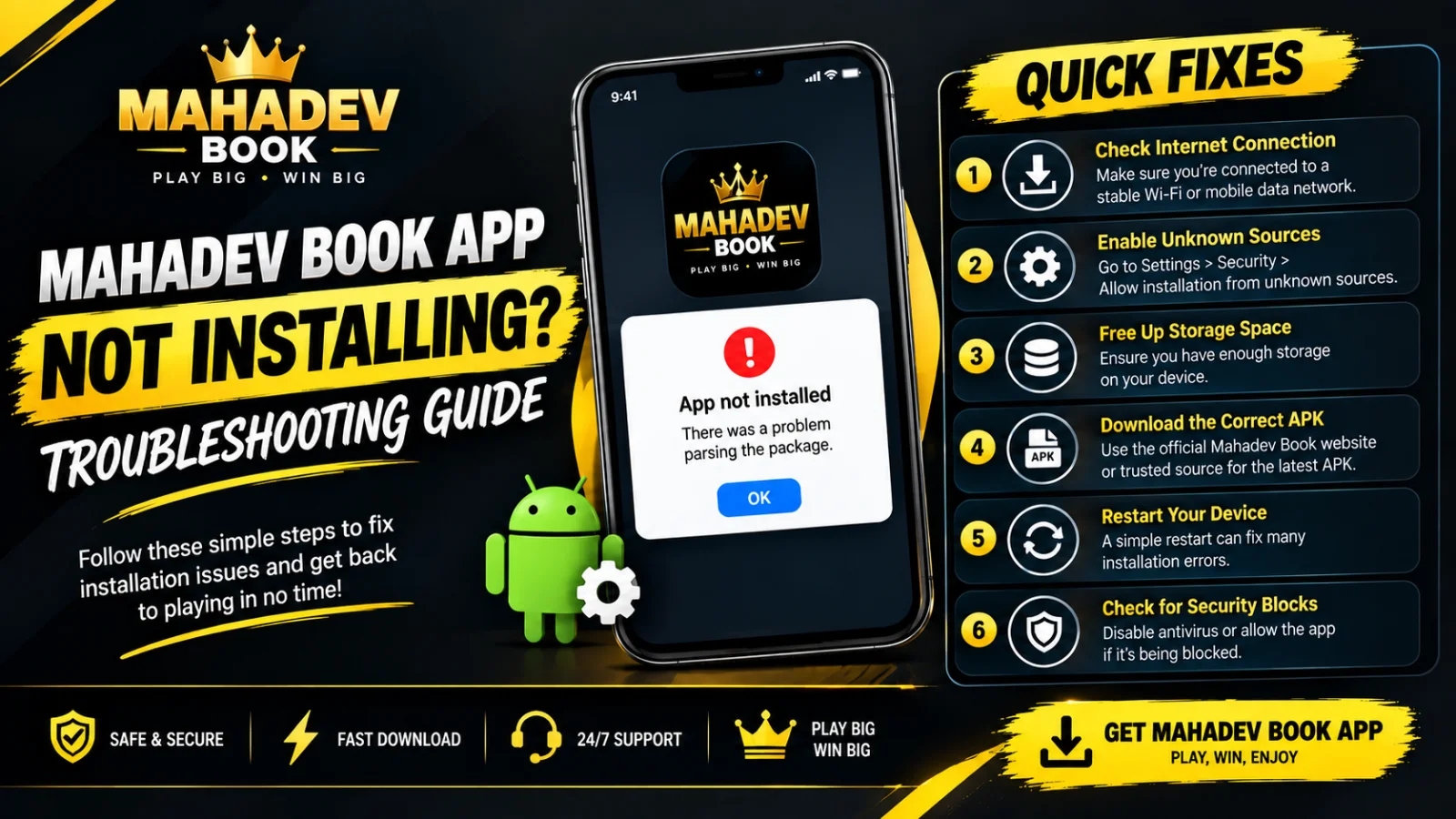
You have decided to install the app. You go to the site, tap the download button, save the file — and then nothing happens. An error appears, the install button greys out, or the process stops halfway with an unclear message. It is frustrating, but it is also extremely common. Almost every installation issue has the same small set of causes, and with the right steps, you will have your Mahadev App running smoothly in minutes. This guide walks you through every possibility, from the simplest check to the least obvious fix.
Before you change any settings or delete anything, start at the very beginning: confirm you are downloading from the correct place. Counterfeit versions circulate widely across social media, messaging apps, and third-party file-sharing sites. They often look convincing — using the same icon, screenshots, and descriptions — but they fail to install, crash immediately, or worse. The only verified, safe source is Mahadev Book — bookmark this page now and always return here when you need to download or update. If your file came from anywhere else, delete it immediately and start fresh from the official site.
The single most common issue is also the easiest to fix: your device blocks installation from outside the official app store by default. When you try to run the file, you may see "Install blocked," "For security your phone is blocking installations from unknown sources," or no message at all. This is not a problem with the app — it is a standard Android protection feature. To resolve it, visit the dedicated download page at Mahadev Book App Download, which provides step-by-step instructions matching your specific phone brand and Android version. Once you grant permission to your browser, the installation proceeds normally. You only need to do this once; future updates will install without prompting.
Sometimes the file simply does not finish downloading. Network interruptions, weak signal, or temporary server load can leave you with an incomplete file that appears saved but will not open. The solution is straightforward: delete the partial download, clear your browser cache, and download again. If the same problem happens repeatedly, try switching between Wi-Fi and mobile data — one connection type may be more stable than the other where you are. Detailed guidance on file integrity, supported devices, and recommended settings is available at Mahadev App — Before Installing, helping you avoid common pitfalls before they delay you.
Storage space is another frequent culprit. The app needs roughly 150–200 megabytes free during installation — more than the final size — because the system unpacks files temporarily before setting them up. If your phone is nearly full, the process will pause or fail with a generic error message. Check your available space in Settings → Storage. Remove unused apps, old photos, downloaded videos, or large files you no longer need. Restart your phone afterwards — this clears temporary cached files and often frees up additional space you did not realise was occupied. Once you have cleared enough room, attempt the installation again.
Conflicts with older versions can also block a fresh install. If you previously had the app and are upgrading, leftover system files may interfere. In this case, fully uninstall the existing Mahadev App, restart your phone, and download a brand-new copy directly from the official site. Your account — your ID, balance, history, and preferences — is stored securely online, so nothing is lost by uninstalling. Once the new version is ready, simply sign back in. If you need help restoring access afterwards, the guide at Mahadev Book Login Issues walks you through quick recovery steps.
Compatibility matters too. The app is built to run smoothly on devices with Android 8.0 or newer. If your phone is running an older version, installation may be blocked, the app may open but behave unpredictably, or it may crash immediately. Check for system updates in your device settings — updating your operating system often resolves compatibility blocks. If your hardware genuinely cannot be updated, the fully functional mobile-optimised website remains available; you can log in, place wagers, and manage your account through your phone browser while you plan your next device upgrade.
Antivirus or security apps occasionally flag legitimate files incorrectly. This is rare, but it happens — overly aggressive protection tools sometimes block any app not listed in major commercial stores. If you are confident you downloaded from the official site, temporarily disable third-party security tools, run the installation, then re-enable protection afterwards. If the file came from a verified source, it is safe. If you are unsure, send a screenshot of the download link to support before proceeding — they will confirm instantly whether it is genuine.
Corrupted system data can also cause installation failures that seem impossible to diagnose. In this situation, clearing your browser app data often resolves it. Go to Settings → Apps → [Your Browser] → Storage → Clear Data. This resets download permissions and cached files without affecting your personal information. Restart your phone, open the browser fresh, return to the official site, and download the file one more time. This step fixes a surprising number of stubborn issues that nothing else touches.
If you have tried every step above and the app still will not install, you do not need to struggle alone. Reach out to Mahadev Book Customer Support — the team is available 24 hours a day, 7 days a week, and is familiar with every device model and error message. When you contact them, share your phone make, model, Android version, and exactly what appears on screen at each step — this lets them identify the solution in moments rather than guessing. In many cases, they can send you a direct verified link or guide you through a specific setting unique to your device.
To save yourself trouble in the future, keep this simple checklist: always download from the official website only, keep at least 300 megabytes free space on your phone, allow browser installation permissions when asked, uninstall old versions before fresh installs, restart your phone after system updates, and never accept files forwarded through messaging apps. Installation issues are annoying, but they are almost never permanent. With the right file from the right source and a few minutes of patience, your Mahadev App will be ready to go — and you will wonder how you ever managed without it.