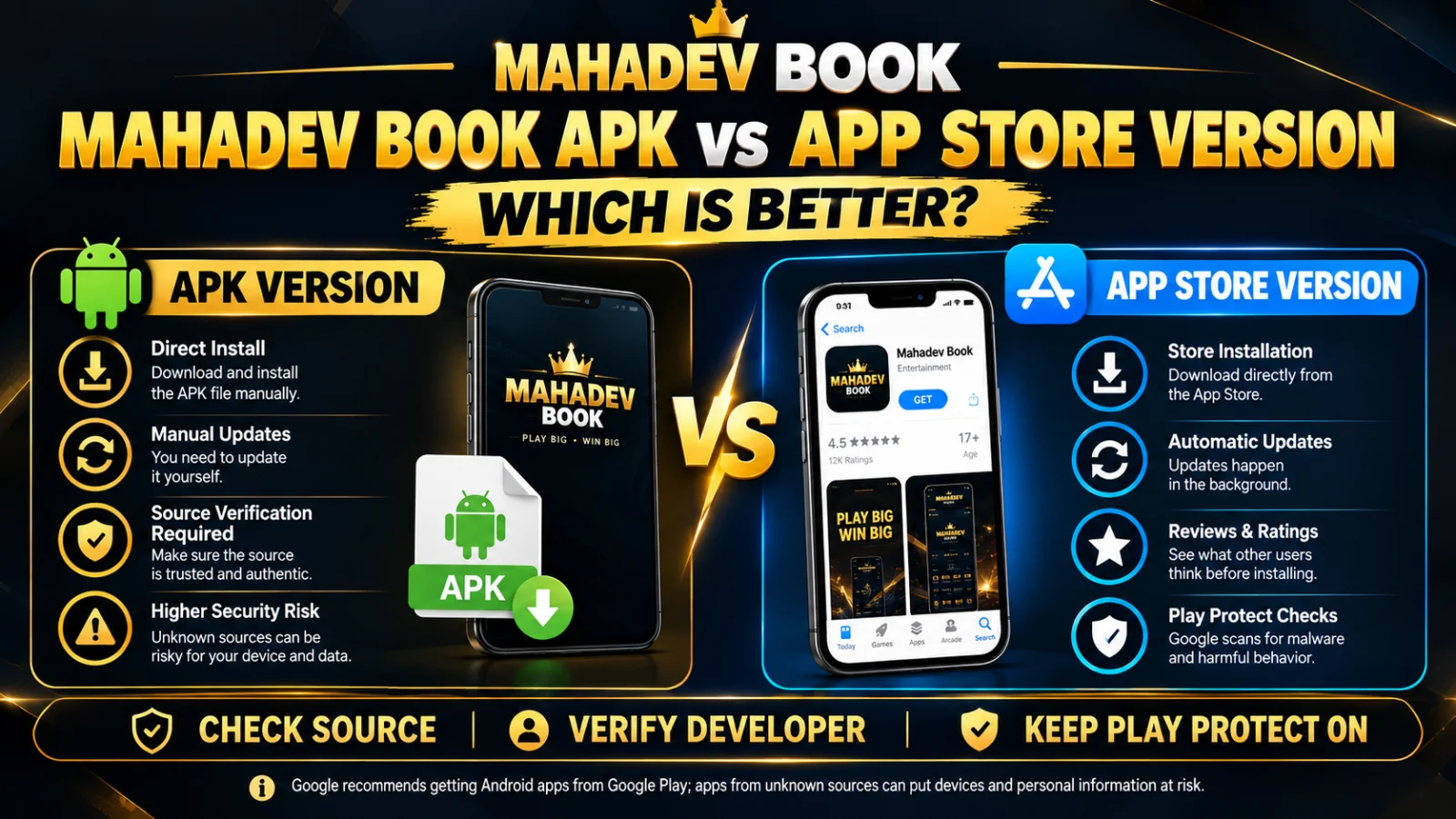
A mobile icon does not change odds, house edge, or whether play is allowed where you live. It changes attack surface: permissions, sideloading, overlay malware, and a second copy of Mahadev Book Login that can desync from the website. This article is what to know before you install anything—browser versus package, CERT-In-style risks, OTP, and a test order that keeps web access working if the file is bad.
Indian CSIRT notes keep repeating the same four lines: sideload less, patch Android, do not grant accessibility to unknown packages, do not install from WhatsApp. Those lines prevent more account takeovers than any “256-bit” banner. UPI and a betting password on the same unlocked phone are a high-value target. Overlay malware sits on a real PhonePe pad. Notification-listener malware reads OTP SMS. That is the environment. An icon does not sit outside it.
Start with the website. Type the host. Confirm you can sign in, see a balance of zero or a test amount, and leave. If web login already fails, installing a package will not heal a clone tab, a VPN, or a wrong username. Fix the client first.
You should be 18+. Local gambling rules in India are a state-plus-central patchwork (Public Gambling Act, 1867, plus later state Acts and contested online-gaming statutes). An APK is not a gazette. If you are unsure, not installing and not depositing is already a complete decision.
A “Mahadev App” search on Google or Telegram is how lookalike files win. Display names are cheap. The path you used to open the download page is the only weak authenticator you have. If that path was a forwarded ZIP, stop.
Permissions are the product. Network is expected. Storage is maybe. Camera is a one-time KYC moment, then revoke. Contacts, SMS, accessibility, overlay, notification listener, always-on location: no. If the installer demands device-admin or accessibility “to show live odds,” it is not showing live odds. It is reading taps.
iPhone users do not install Android APKs. A file named mahadev-ios.apk is a lie. Configuration profiles from random links are a known phishing path. Safari on a typed host is enough.
Do not root the phone that holds UPI. Root plus wallet is a hobby for people who enjoy losing both.
Play Protect warnings deserve a pause. Some sideloaded betting packages trigger warnings because they are sideloaded; some because they are hostile. You cannot tell from a Telegram screenshot. If you cannot tolerate the warning, stay on the browser.
WebView inside Instagram or a reel is not a browser. Copy the URL out. Data saver can strip scripts and leave a dead button that looks like a ban.
Sold phones still hold sessions if you backup-restore app data. Install fresh. Sign in. Do not clone cookies.
Family Google accounts sync saved passwords to a computer lab. Do not store the betting password in Chrome sync on a shared identity.
Mute “bet now” push if you install. Toss time is on the match graphic, not in a red badge. Push is a tilt machine.
Test web login on the first of every month after install. If an update breaks web, you have a single point of failure. Uninstall until web works.
Inventory SIMs. A drawer phone still receiving OTP SMS is still in the channel.
Café and stadium Wi-Fi are hostile for cashier. Use mobile data for deposits and withdrawals even if live odds run on Wi-Fi.
Never forward OTP. Never read OTP in a voice note. UPI PIN and betting password are different rooms. A page that wants both is hostile.
Shared family PIN means the icon is an open till. Screen lock the nephew does not know, or do not install.
The rest of this article places six related destinations in separate paragraphs so you can open them one at a time, in the middle of the decision, not as a stuffed footer.
Type Mahadev Book yourself before any file.
If you still want an icon, open the Mahadev Betting App page from that host and nowhere else.
You need a Mahadev Betting ID you control; an app cannot invent a safe username.
If sign-in on the phone loops, use Mahadev Book Forgot Password once on the website, not five times in the package.
Prove the wallet with a small Mahadev Book Withdrawal after web login works—not after a mystery APK.
Those six hops are enough. Extra download blogs are how clones multiply.
After install, deny every permission you do not understand. Turn unknown-sources off. Confirm the same username as the website. If the package creates a new username, uninstall.
Do not pay an “APK unlock.” Do not install AnyDesk to “help the app load.” Indian banks already tell users not to grant remote access for KYC. Betting chats that need it are not KYC.
If Play Protect or your antivirus flags the file, prefer browser. Convenience is not odds.
Keep a paper cap. An icon makes depositing faster. Faster is the opposite of a cap unless the cap is on paper.
18+. Not legal advice. Sideloading is a malware decision as much as a betting one. If local rules are unclear, do not deposit.
Stake zero is allowed with or without an icon. The match ends anyway.
If the app is optional, treat it as optional. Optional tools get optional trust. Web on a typed host is the control that should survive a bad file.
Change the boot password the day you receive the ID, on the website, before you sideload. Boot passwords in chat are how takeovers start.
Do not keep two packages from two blogs “in case one fails.” Two packages are two fake forms.
Work MDM phones that intercept TLS will fail login in confusing ways. Use a personal device.
Travel: international roaming plus unknown Wi-Fi plus a betting password is a stacked risk. Browser on mobile data, then password change at home.
Jio/Airtel prepaid OTP still lands if the SIM sits in a second handset. Count handsets.
Notification listener special access is an incident if you do not remember granting it. Uninstall, password change, assume UPI is next.
This is everything you need before installing: web works, host typed, ID yours, permissions denied, unknown-sources off, OTP never forwarded, test cashout on web, app optional.
If any line is a no, do not install tonight.
Before-install checklist you can print
Phone is yours. Screen lock the family does not know. Android patched. Unknown-sources currently off. Chrome already signs in on a typed host. Username written in a password manager, not in a cricket group. OTP SMS not readable by random apps. UPI on this phone has a PIN you never typed into a betting form. You are 18+. You can lose the first deposit. Local rules checked by you, not by an APK blog.
If any line is no, do not install. The icon will not repair a no.
What “everything” is not
It is not better odds. It is not a licence. It is not a second wallet. It is not a reason to disable Play Protect. It is not iOS. It is not a family plan.
Home-screen psychology is real. An icon increases session count. Session count increases edge samples on casino and delay mistakes on live cricket. If your paper cap is already thin, do not add an icon.
Indian mobile fraud that maps onto this install
Overlay on UPI. Accessibility reading taps. Notification listener stealing OTP. Fake update. Clone host in an in-app WebView. SIM-swap using the same number you registered. All of these are documented in Indian cybercrime complaint patterns. An installer cannot opt out of that environment. You opt out by not granting the permissions and by not forwarding OTP.
After you decide not to install
Bookmark Chrome. Practise login. Test a tiny cashout on the website. Mute nothing because there is no badge. That is a complete mobile setup.
After you decide to install anyway
One minute unknown-sources. Host-linked file. Deny extra permissions. Unknown-sources off. Same username. Chrome still works. Mute push. Paper cap. Monthly web test.
If the package wants more, uninstall.
Everything you need is that paragraph plus the six middle hops. Everything else is an ad.
Before-install checklist you can print
Phone is yours. Screen lock the family does not know. Android patched. Unknown-sources currently off. Chrome already signs in on a typed host. Username written in a password manager, not in a cricket group. OTP SMS not readable by random apps. UPI on this phone has a PIN you never typed into a betting form. You are 18+. You can lose the first deposit. Local rules checked by you, not by an APK blog.
If any line is no, do not install. The icon will not repair a no.
What “everything” is not
It is not better odds. It is not a licence. It is not a second wallet. It is not a reason to disable Play Protect. It is not iOS. It is not a family plan.
Home-screen psychology is real. An icon increases session count. Session count increases edge samples on casino and delay mistakes on live cricket. If your paper cap is already thin, do not add an icon.
Indian mobile fraud that maps onto this install
Overlay on UPI. Accessibility reading taps. Notification listener stealing OTP. Fake update. Clone host in an in-app WebView. SIM-swap using the same number you registered. All of these are documented in Indian cybercrime complaint patterns. An installer cannot opt out of that environment. You opt out by not granting the permissions and by not forwarding OTP.
After you decide not to install
Bookmark Chrome. Practise login. Test a tiny cashout on the website. Mute nothing because there is no badge. That is a complete mobile setup.
After you decide to install anyway
One minute unknown-sources. Host-linked file. Deny extra permissions. Unknown-sources off. Same username. Chrome still works. Mute push. Paper cap. Monthly web test.
If the package wants more, uninstall.
Everything you need is that paragraph plus the six middle hops. Everything else is an ad.
Before-install checklist you can print
Phone is yours. Screen lock the family does not know. Android patched. Unknown-sources currently off. Chrome already signs in on a typed host. Username written in a password manager, not in a cricket group. OTP SMS not readable by random apps. UPI on this phone has a PIN you never typed into a betting form. You are 18+. You can lose the first deposit. Local rules checked by you, not by an APK blog.
If any line is no, do not install. The icon will not repair a no.
What “everything” is not
It is not better odds. It is not a licence. It is not a second wallet. It is not a reason to disable Play Protect. It is not iOS. It is not a family plan.
Home-screen psychology is real. An icon increases session count. Session count increases edge samples on casino and delay mistakes on live cricket. If your paper cap is already thin, do not add an icon.
Indian mobile fraud that maps onto this install
Overlay on UPI. Accessibility reading taps. Notification listener stealing OTP. Fake update. Clone host in an in-app WebView. SIM-swap using the same number you registered. All of these are documented in Indian cybercrime complaint patterns. An installer cannot opt out of that environment. You opt out by not granting the permissions and by not forwarding OTP.
After you decide not to install
Bookmark Chrome. Practise login. Test a tiny cashout on the website. Mute nothing because there is no badge. That is a complete mobile setup.
After you decide to install anyway
One minute unknown-sources. Host-linked file. Deny extra permissions. Unknown-sources off. Same username. Chrome still works. Mute push. Paper cap. Monthly web test.
If the package wants more, uninstall.
Everything you need is that paragraph plus the six middle hops. Everything else is an ad.
Disclaimer
18+ only. Not legal advice. Sideload and OTP fraud are real. Betting may be restricted where you live. Protect OTPs and UPI PINs. You can lose money and data. Never grant accessibility to a betting package.