Introduction — Protect Your Access, Protect Your Funds
Your Mahadev Book ID is more than just a login credential — it is the key to your account balance, your bet history, your bonuses, and every withdrawal you will ever make. Losing access feels stressful, and suspecting someone else has gained entry feels alarming — but neither situation is permanent. The difference between a quick recovery and a prolonged problem is acting fast and following only verified, official channels. This guide walks you through every scenario — from the most common forgotten password to the most serious suspected breach — with clear steps you can take right now to secure your account and restore access.
Scenario A — Forgotten Password or ID Number (Most Common)
You know your account exists — you just can’t get in. This is the simplest fix and takes minutes:
If You Forgot Your Password
- Go to Mahadev Book Login — the official login page
- Click or tap Forgot Password directly below the login fields
- Enter your registered phone number OR the email address linked to your account
- A secure one-time reset link will be sent to you via WhatsApp or SMS — never share this link with anyone
- Create a new strong password: mix uppercase and lowercase letters, numbers, and symbols; avoid obvious patterns or personal information
- Log in with your new credentials and consider updating your recovery details while you’re there
If you don’t receive the message within two minutes, check your spam or junk message folder. If it’s still missing, contact Customer Support — they can send a manual reset link after verifying your identity.
If You Forgot Your ID Number
- Visit the dedicated recovery page — bookmark this now: Recover MahadevBook ID
- Enter your registered phone number OR your full legal name as listed on your account
- Answer one security question OR confirm the OTP sent to your registered device
- Your Mahadev Book ID will be displayed on-screen and messaged to you via your verified contact method
- Log in immediately and update your password as a precaution — this confirms you are back in control
If Login Keeps Failing
Sometimes the issue isn’t lost details — it’s something else. The troubleshooting guide at Mahadev Book Login Issues covers every known cause: typos, case sensitivity, extra spaces, session expiry, connection problems, and browser conflicts. Most are resolved in under 5 minutes without needing to contact anyone.
Scenario B — Suspected Compromise or Unauthorised Access
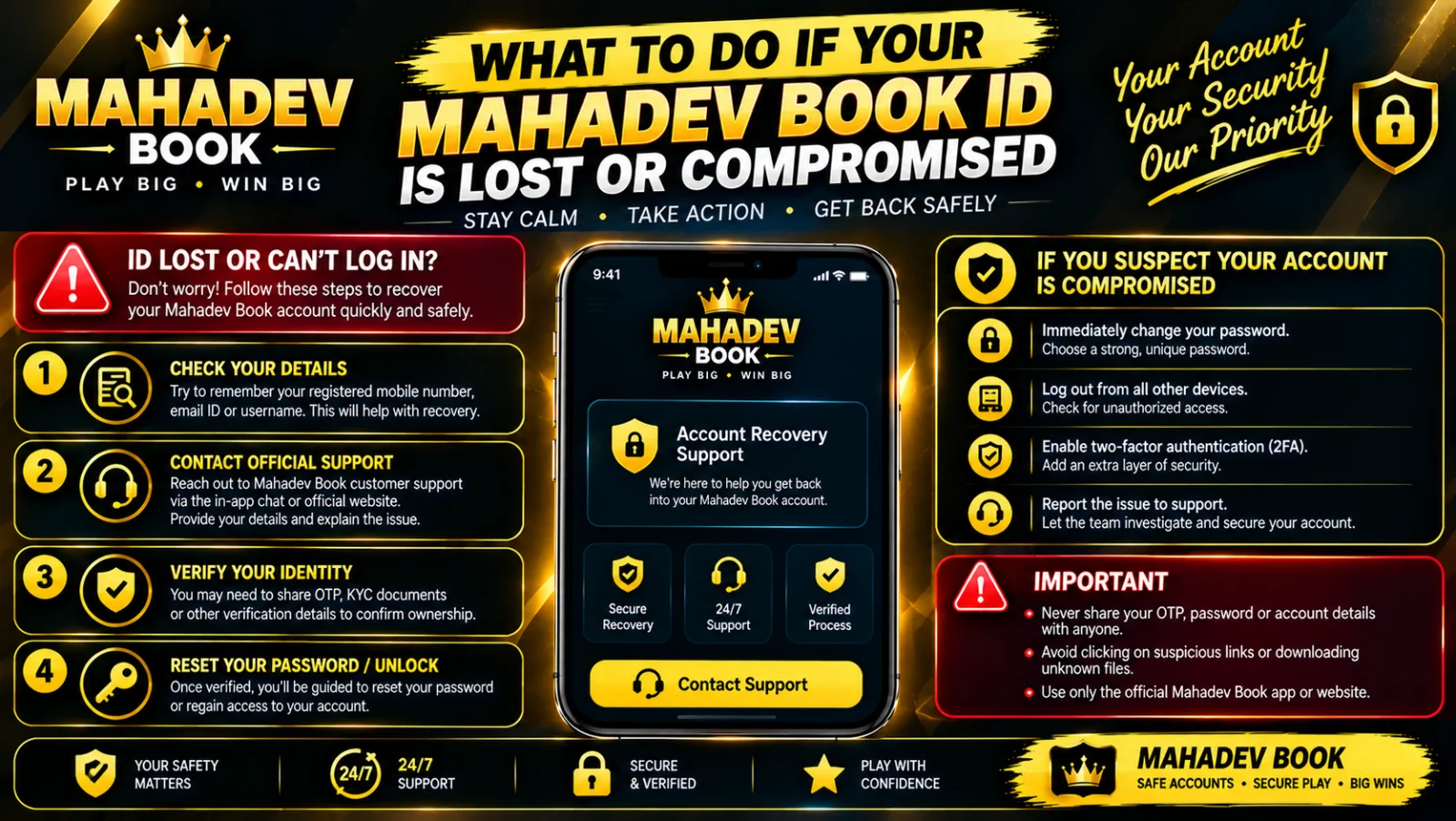
This is urgent — act immediately. If you see bets you didn’t place, withdrawals you didn’t request, login locations you don’t recognise, or messages confirming changes you never made:
Step 1 — Secure the Account
- Change your password instantly via Mahadev Book Login → Forgot Password — this locks out everyone except you
- If you cannot log in at all, contact Customer Support immediately and request account lock — this freezes all outgoing transactions while you recover access
- Support can also temporarily disable withdrawals entirely until your identity is confirmed — ask for this specifically if you see unrecognised activity
Step 2 — Check for Damage
Once you regain access:
- Review Recent Activity — look for bets placed, times accessed, and locations you don’t recognise
- Check Transaction History — confirm every deposit and withdrawal is yours; note dates, times, and amounts of anything suspicious
- Review Profile & Security — confirm your registered phone number and email haven’t been altered
- Note everything — take screenshots if you can; this evidence speeds up any investigation
Step 3 — Report and Escalate
- Message support with a clear subject line: "Unauthorised Access — Account [Your ID]"
- Include your registered phone number, full name, and approximate account balance
- Provide the details you gathered — what looked wrong, when you first noticed, and any changes you saw
- The investigation typically completes within 24 hours; confirmed unauthorised activity is reviewed and reversed where policy allows
- You will be asked to verify your identity — this is standard procedure to ensure you are the rightful owner requesting the restoration
Scenario C — Lost Device + Logged-In Session
Your phone is gone — lost, stolen, or broken — and the app remained logged in. Someone else could open it and use your account. Remote action is critical:
- Change your password from another device — this logs out every active session including the lost phone
- Contact Customer Support and request global session reset — this forces a fresh login on all devices and clears saved credentials
- If you had saved payment methods, ask support to temporarily disable withdrawals until you confirm your new device is secure
- When you get a new phone, reinstall the app only from Download Latest Mahadev Book APK — never copy the app from an old backup or shared file; backups can carry old session data
- Log in, change your password again, and enable Two-Factor Authentication immediately
Prevention — Lock Your Account Before Trouble Strikes
These steps take 2 minutes now but save hours of stress later:
Table
| Action | Where to Find It | Real Benefit |
|---|---|---|
| Save your ID securely | Password manager or separate note | Instant retrieval when needed — don’t rely on memory |
| Enable Two-Factor Authentication | Account → Security → 2FA Setup | Even if someone steals your password, they still can’t get in |
| Register WhatsApp | Account → Contact Preferences | Fastest recovery channel — links directly to verified number |
| Update recovery info | Account → Profile | Outdated details = blocked recovery when you need it most |
| Log out on shared devices | Login screen or Account menu | Prevents leftover sessions on phones or computers that aren’t yours |
| Bookmark recovery links | Your browser bookmarks | Recover MahadevBook ID — find it instantly, not through search results |
Critical Safety Rule — Know What Support Will Never Ask
This is the most important security information in this guide:
✅ Support will ask for:
- Your Mahadev Book ID
- Your registered phone number
- Your full name and verification details
- Answers to security questions you set
- Proof of ownership documents
❌ Support will NEVER ask for:
- Your password — ever
- Your full UPI PIN or banking password
- OTP codes sent to your phone (except to confirm you received them)
- Screenshots showing your complete balance without reason
- Payment method passwords
If someone claiming to be from Mahadev Book asks for your password — it is a scam. End the conversation immediately and report it via the official Customer Support channel.
Recovery Timeline — What to Expect
Table
| Situation | Typical Resolution Time |
|---|---|
| Forgot password — reset link sent | 2–5 minutes |
| Forgot ID number — recovery page | 5–15 minutes |
| Login error troubleshooting | 5–30 minutes |
| Suspected compromise — account lock | Immediate, during chat |
| Full investigation & restoration | 1–3 business days |
| Lost device — session reset | Immediate, during chat |
Final Checklist — Be Ready Before It Happens
✅ Save your Mahadev Book ID in a secure place separate from your password
✅ Keep your registered phone number active — it’s your primary recovery key
✅ Bookmark Recover MahadevBook ID — you’ll thank yourself later
✅ Save Customer Support WhatsApp contact in your phone now
✅ Enable Two-Factor Authentication if you haven’t already
✅ Always log out when betting on someone else’s device — it takes one click
Losing access is inconvenient, but it is rarely permanent. Your account is built to be recoverable — as long as you act fast, use only the official links, and never share your password. If in doubt, message Customer Support — they are available 24/7 and every message is prioritised. Your funds and your account are worth protecting — and you are the first line of defence.