In live betting, a few seconds can be the difference between seizing an opportunity and watching it vanish. But being notified of everything creates a different problem: your phone buzzes constantly, you stop paying attention to alerts entirely, and eventually you mute everything — including the updates that actually matter. The Mahadev Book App includes one of the most flexible notification systems in the industry, designed to keep you connected without taking over your life. This guide explains every type of alert available, how to tune them so they match exactly what you care about, what to do when alerts go silent, and how to ensure you never miss an important payout or exclusive offer while still sleeping undisturbed.
The Foundation: Notifications Are App-Exclusive
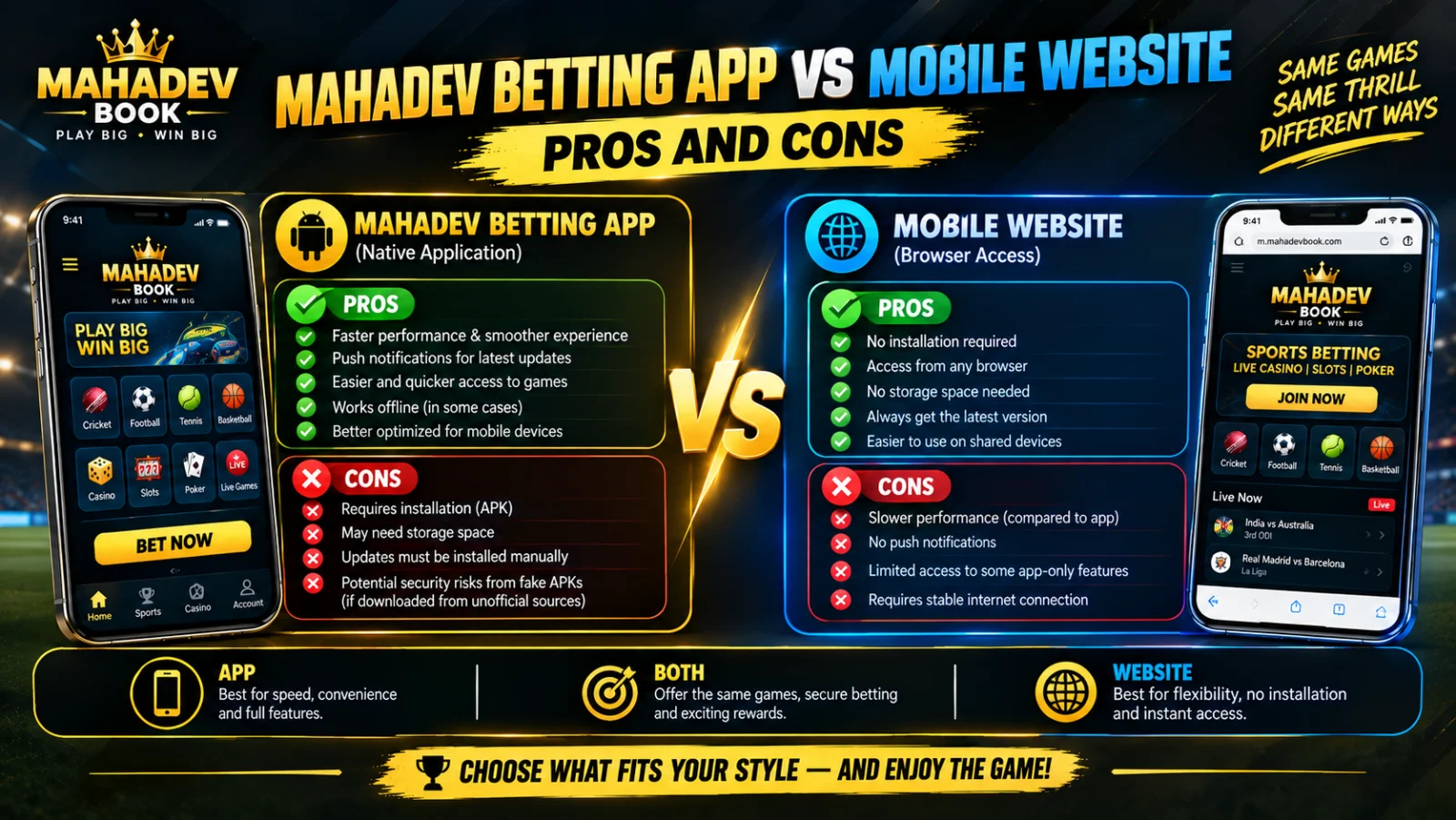
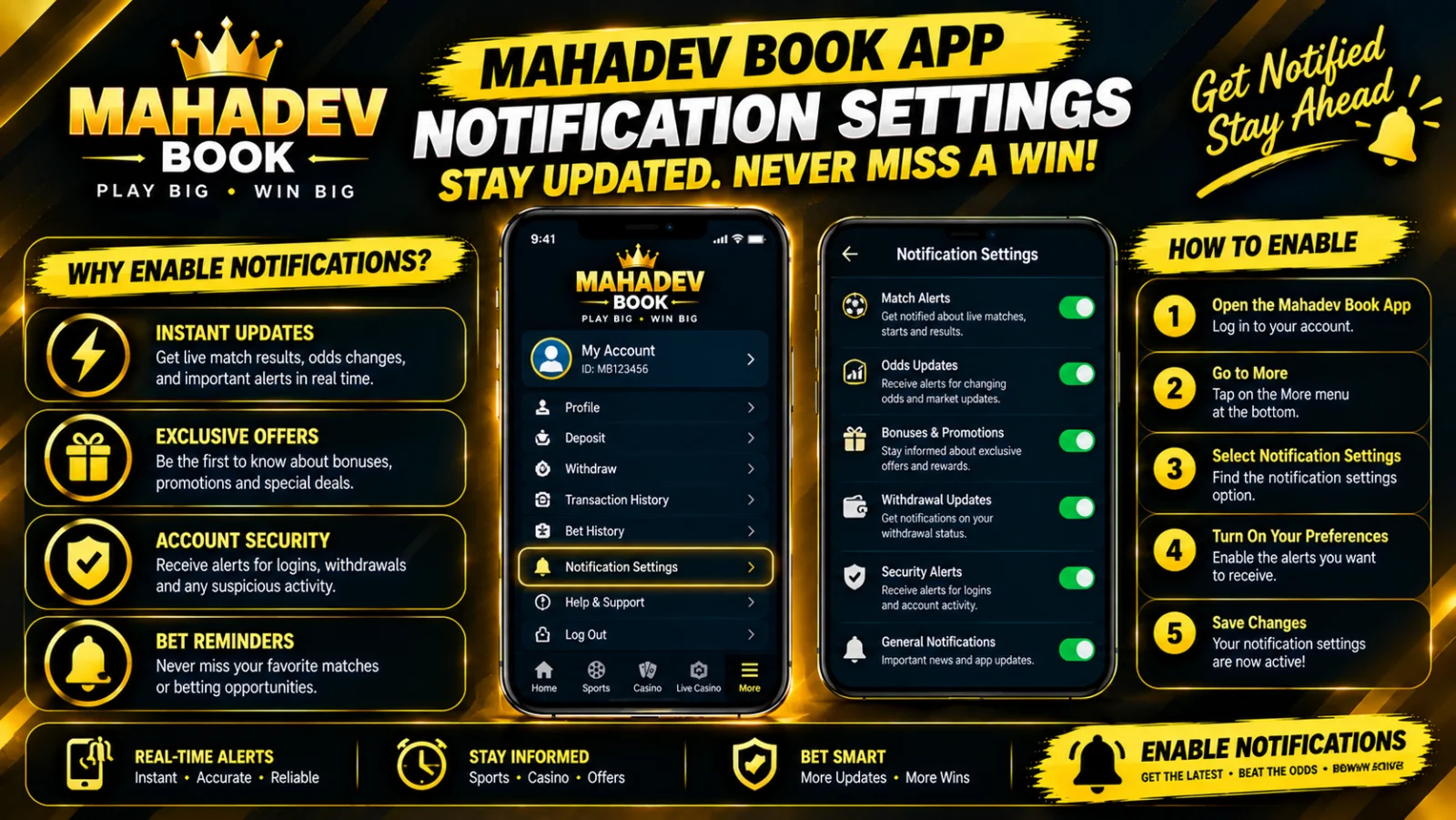
First, a critical clarification: push notifications work only through the Mahadev App. The mobile website cannot maintain the persistent background connection required to send updates when you have closed the page. If you rely entirely on the browser version, you will only see what is present on the screen at the moment you open it — no heads-up that a match has started, no alert that a payout has cleared, no warning that odds have shifted sharply on a market you were watching. Installing the app via Mahadev Betting App is the single biggest step you can take toward staying connected. Once installed, all notification controls live within the app’s Settings → Notifications panel — a central hub where you decide exactly what reaches your screen.
Every Alert Type Explained
Notifications fall into four distinct categories, each fully toggleable:
📊 Match and Live Event Updates
These keep you in touch with the action itself:
- Match Start — The moment any fixture you follow officially goes live; perfect if you are juggling multiple leagues
- Score/Progress Alerts — Wickets, goals, sets, and major turning points; you can set these for "all matches," "favourites only," or even by specific team
- In-Play Odds Shifts — Significant market movements; you can set a threshold so you are only alerted when odds change by 5%, 10%, or 20% rather than every tiny fluctuation
- Match Result & Settlement — Final score and confirmation that your bets have been settled and winnings credited
💰 Account and Transaction Alerts
These are your financial receipts — always recommended to keep active:
- Deposit Confirmed — Funds have arrived and are ready for betting
- Withdrawal Processed — Payout has been dispatched to your payment method
- Balance Update — Winnings added or settled bets deducted
- Bonus Credited — Promotions, cashback, loyalty rewards, or free bets available to claim
🎁 Promotions and Special Offers
These keep you aware of added value but can be the most distracting if left unfiltered:
- New Bonuses — Welcome offers, reload bonuses, and general promotions
- Event Exclusives — Tournament-specific enhanced odds and limited-time deals
- Club Benefits — Updates from Mahadev Book Club, including tier progression and member-only rewards
🛡️ Security and Account Alerts
These protect your account — never disable these:
- New Login Detected — Your Mahadev Book ID accessed from a new device or location
- Credential Change — Password or registered contact details updated
- Verification Reminder — Additional documents needed to keep your account fully verified
How to Customise — Step by Step
Fine-tuning your alerts takes under 60 seconds:
- Open the Mahadev App
- Tap Settings → Notifications
- Toggle each main category ON or OFF as desired
- For match alerts: select "Favourites Only" or pick specific sports, leagues, and teams
- Set Quiet Hours — choose a window such as 11PM to 7AM during which non-urgent updates are held
- Save — your preferences sync to the server instantly and apply across all devices
Recommended Presets by Betting Style
Table
| Profile Type | Match Alerts | Odds Shifts | Transactions | Promotions | Quiet Hours |
|---|---|---|---|---|---|
| Serious Cricket Fan | ON — Favourites Only | ON — ≥10% threshold | ON | Weekly Summary Only | 11PM–7AM |
| Casual Weekend Bettor | ON — Major Leagues Only | OFF | ON | ON | Personal Schedule |
| High-Volume In-Play Trader | ON — All Followed | ON — ≥5% threshold | ON | OFF | None |
| Bonus Hunter | ON — All | ON — ≥15% threshold | ON | ON | None |
| Night Shift / Irregular Schedule | ON — All | OFF | ON | Weekly Summary | Disabled / Custom |
Troubleshooting: When Alerts Stop Arriving
If notifications used to appear but have gone silent, the cause is almost always one of these five issues — check them in order:
Table
| Issue | Solution |
|---|---|
| Phone-level permission denied | Go to Settings → Apps → Mahadev Book → Notifications → Enable |
| Battery optimisation blocking delivery | Add app to "Unrestricted" or "Not Optimised" list in Battery settings |
| Session expired or logged out | Re-authenticate at Mahadev Book Login |
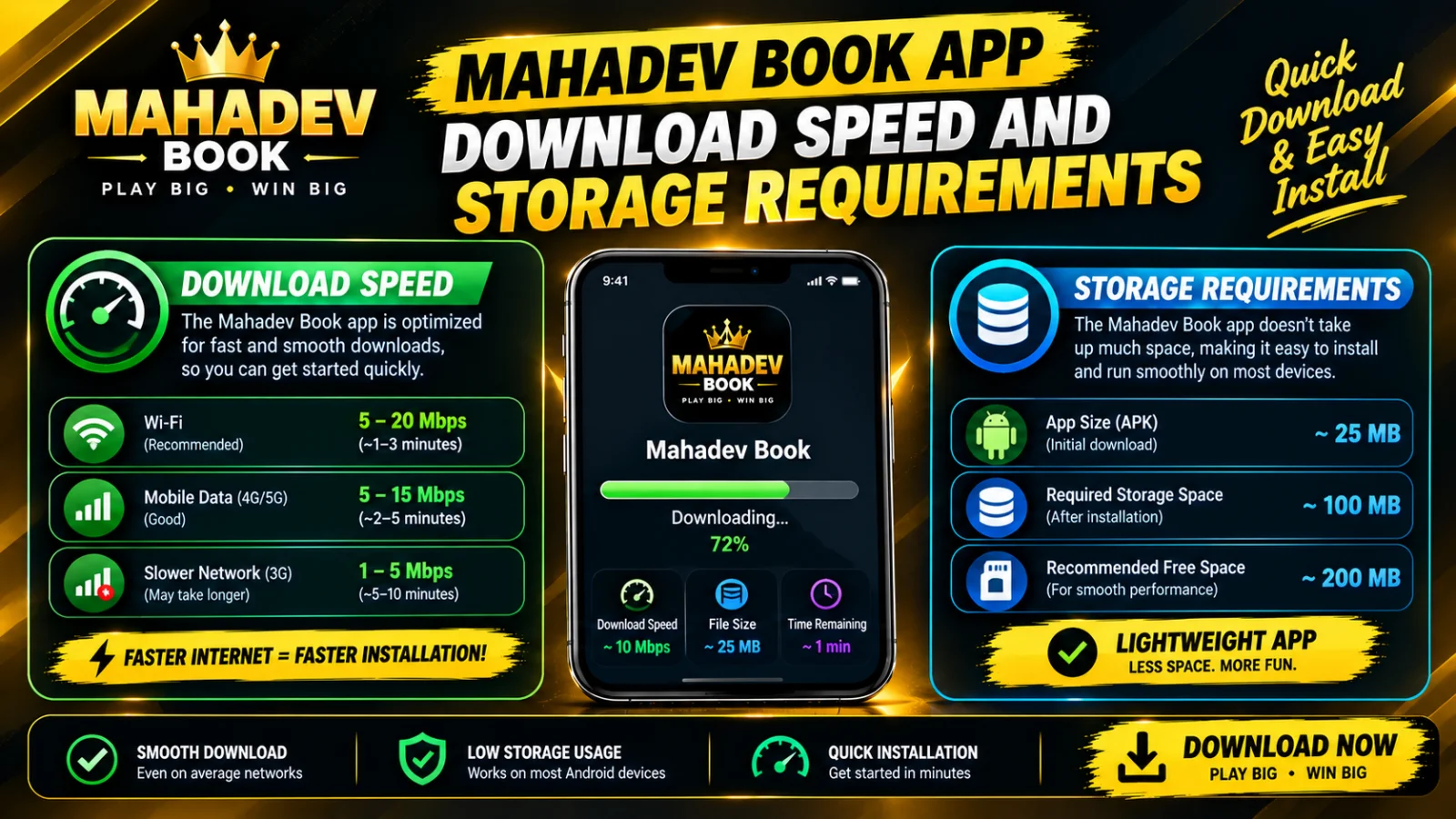
| Outdated app version | Download the current release from Download Latest Mahadev Book APK |
| Specific matches not followed | Re-favourite the teams or leagues you want updates on within the app |
Avoiding Notification Fatigue — The Smart Strategy
More alerts do not equal better information. If everything is urgent, nothing is. The most effective notification strategy is selective:
- Always keep transaction and security alerts ON — these are your financial and safety confirmations
- Enable match starts only for sports you actually bet on — don’t clutter your phone with every league worldwide
- Set odds-shift thresholds — let the small movements pass; only alert on the meaningful ones
- Use quiet hours — non-urgent updates can wait until morning; they will be waiting for you
- Review and prune monthly — remove teams and leagues when their seasons end so your list stays current
VIP Tier: Mahadev Book Club Notifications
Members of Mahadev Book Club receive a separate, higher-priority alert channel. These include:
- Priority payout notifications — confirmed before general user alerts
- Early-bird bonus offers — exclusive availability windows open to tiers Silver and above
- Dedicated manager availability — if you have a personal account manager, their messages arrive here
- Major event reminders — high-stakes tournaments with special markets
Crucially, Club VIP notifications bypass quiet hours by design — so time-sensitive exclusive offers reach you regardless of your schedule. You can disable this override if you prefer total silence overnight, but it is enabled by default to ensure you never miss a tier-specific benefit.
Summary — Your Alert Setup in 3 Simple Steps
- Install the app from Mahadev Betting App — push notifications work nowhere else
- Customise — enable only what matters to you; disable what doesn’t; set your sleep window
- Maintain — if alerts stop, check permissions and app version; if they feel too many, raise your odds threshold or prune your favourites
Stay informed, not overwhelmed. The right notifications turn your phone into a smart betting assistant — always in the know, never in the dark, and never buzzing unnecessarily.